In this guide
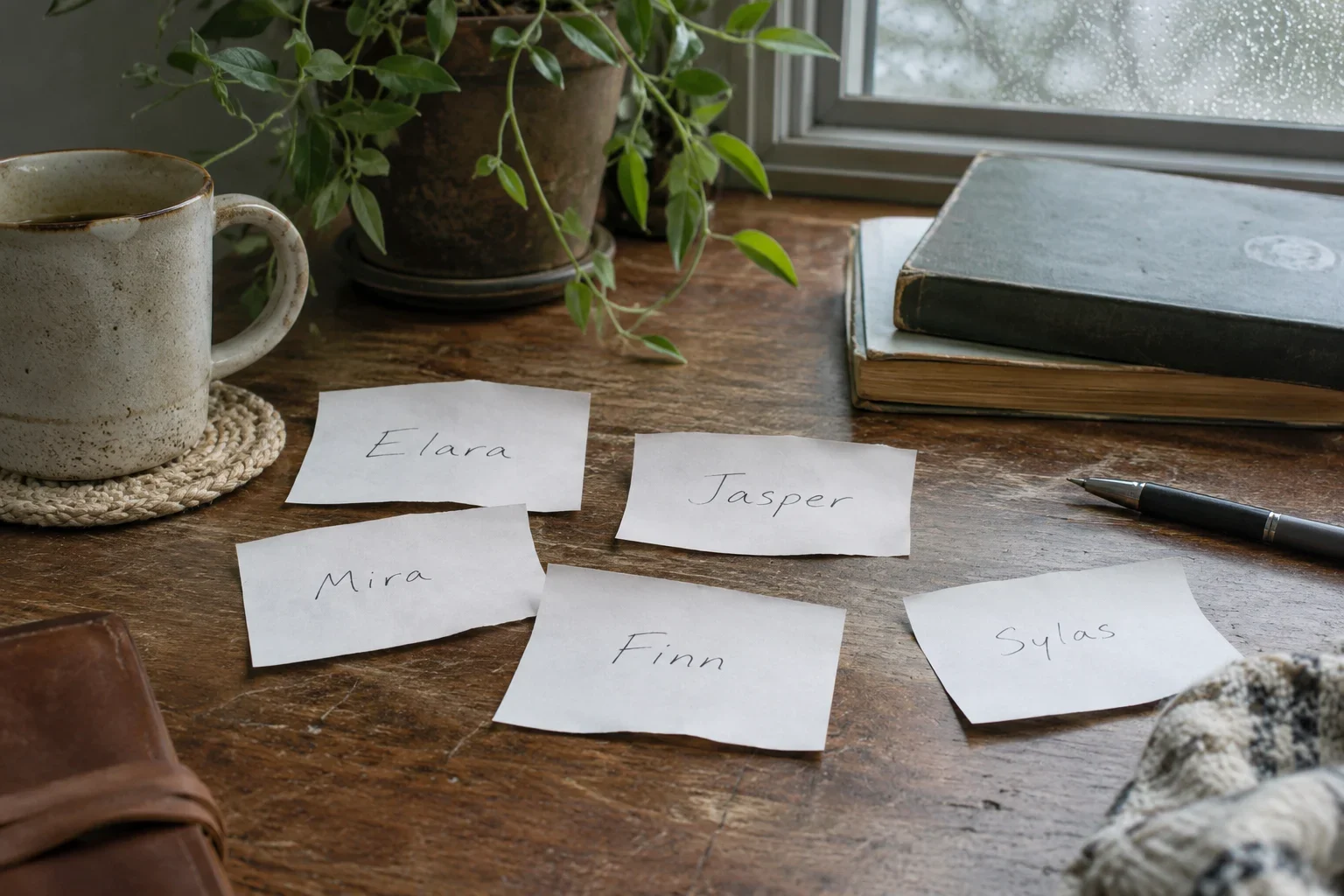
To use generated names in an app prototype, start by identifying every screen and task that needs a named profile. Generate a pool of fictional candidates, review them for the context, and assign a consistent name to each sample profile. Then check short and long names in the spaces where people will encounter them.
A useful name set does two jobs: it makes the prototype understandable during a task and exposes layout decisions that are easy to miss with one convenient placeholder. You do not need a large cast. You need a manageable selection that fits the experience and gives you different cases to examine.
Choose names for the prototype
Begin with the tasks someone will perform in the prototype. If a participant will browse a list, open a profile, and return to a list, each of those views may need a name. A message, confirmation, search result, or account menu may also need one if it is part of the task. Sketch a quick inventory before choosing names so you know where consistency matters.
Next, decide how many distinct profiles the scenario needs. For a simple flow, a few names may be enough to distinguish the person being viewed from other profiles. A comparison or selection task may need a larger group. Avoid adding names solely to fill space if they make the task harder to follow.
Choose realistic, generic names that suit the scenario. Famous names can draw attention away from the task, so use them only if recognition is an intentional part of the exercise. Review candidates for unintended associations, awkward wording, or similarities that could confuse two profiles. A name that seems ordinary on its own may become distracting when placed beside a particular role or message.
Plan for variation as well as believability. Include at least one short name and one longer name, and consider names with spaces or punctuation if they are relevant to the people and contexts you are designing for. Some cultures place the family name first, so avoid treating one name order as universal. The point is to make assumptions visible during review, not to represent every naming practice with a handful of examples.
Generate and review a name set
Use a person-name generator to create a pool of candidates larger than your final set. Before generating, look at the controls available in the version you are using. If it offers choices for name format, language, or surnames, select the options that fit your scenario; check the labels and output to understand what each choice produces. If a choice you need is unavailable or unclear, use the names you can review and adjust your selection process accordingly.
Generate candidates in a few passes if the available controls let you vary the output. Keep a temporary list as you go, then compare candidates side by side. You are selecting names for a particular experience, so a candidate does not have to be unusual to be useful. It should be legible, appropriate for the scenario, and distinguishable from the other names in the same view.
Make a shortlist
For each candidate, ask: Does it fit the profile’s role without implying something the task does not require? Could it be confused with another name? Is there enough variation to reveal differences in the layouts you intend to check? Remove any candidate that creates an unintended joke, distracting association, or ambiguity.
You can also prepare a small working set yourself if generated results do not meet your needs. For example, Mina Vale, Noor Bell, and Alexandra Moreno are fictional sample labels for a prototype. They offer different lengths, but they should still be reviewed in the context of the screens and audience. Do not assume that a generated or invented name cannot belong to a real person; avoid pairing it with details that imply a specific real individual.
Keep the shortlist editable. A name that looks fine in a list may need replacing after you see it in a card or hear a participant mention it.
Populate sample screens
Assign each selected name to a stable profile label before placing it in the prototype. The label is for your working notes; participants can see the name and other information needed for their task. A small table makes it easier to spot accidental changes:
| Working label | Fictional name | Example use |
|---|---|---|
| Profile A | Mina Vale | A list item and its detail view |
| Profile B | Noor Bell | A second list item |
| Profile C | Alexandra Moreno | A longer-name layout check |
Adapt the examples to your own scenario. If Profile A appears in a list, a detail view, and a confirmation, use the same name in each place unless a change is part of the task. Check that associated details also stay with the intended profile. When participants move between screens, an unexplained name change can make a navigation problem look like a content problem.
Place names in the actual text areas participants will use: a card title, a list row, a profile heading, or another relevant location. Review each occurrence in context rather than judging the name only in the working table. A clear list of names can still become confusing if the surrounding roles or descriptions do not help distinguish profiles.
Before sharing the prototype, follow each planned path and compare the screens against your table. Look for missing names, duplicates that imply different profiles, and labels that refer to the wrong person. If you replace a name, update every occurrence and the working table together. This small review gives you a dependable starting point for both layout checks and participant feedback.
Check names at different lengths
Put the short and long names from your shortlist into every relevant layout, especially places with limited space. Longer identifiers can reveal overflow, truncation, and misalignment that a short placeholder leaves unnoticed. Check the card, list, and profile views separately: a name that fits comfortably in one may be difficult to read in another.
Compare the same screen
Start with a short name and note how the surrounding content sits. Then substitute a longer name in the same position and compare. If the prototype has a narrow layout, repeat the comparison there. Look for these outcomes:
- Wrapping: Does the name move to another line, and can the surrounding content still be understood?
- Truncation: If part of the name is cut off, can a participant still tell which profile it refers to in that task?
- Overflow: Does any text extend beyond its intended area or cover another element?
- Alignment: Do neighboring labels, controls, or rows remain clear when one name takes up more space?
Make a note of what you observe and where. For example, “Profile C’s name is cut off in the narrow list” is more useful than “long names look bad.” If two names become indistinguishable after truncation, record that too. Revise the layout or the prototype content as appropriate, then repeat the comparison.
Also inspect assumptions about structure. If a screen asks for separate name parts, consider what happens when the sample name does not fit those fields neatly, or when family name first is appropriate. Ask which format the task actually needs and how the person’s chosen display name should appear. Avoid silently rearranging a sample name just to make a layout work.
Review the prototype with participants
Before a session, run through the planned tasks yourself using the prototype. Check that each path reaches the intended screen, that names stay consistent, and that the instructions do not accidentally give away the answer. Make a note of any remaining limitations so you can interpret what you observe.
During a session, give participants a task that makes sense for the prototype, such as finding a particular profile and opening its details. Let them use the screens before drawing attention to the names. Watch for moments when they pause, choose the wrong profile, or appear unsure whether two screens show the same person. A pause can have several causes, so ask a neutral follow-up rather than assuming the name caused it.
After the task, useful questions include: “How did you tell these profiles apart?” “Was anything in the names confusing or distracting?” and “Could you read the name where you needed it?” If name order or entry is relevant, ask how the screen handled it from their perspective. Record both the screen and the task when you note a concern; that context helps you decide what to change.
Review findings alongside your working table. You may need to replace a distracting name, distinguish two profiles more clearly, or adjust a layout that hides useful text. Make the smallest change that addresses the observed problem, update repeated occurrences, and check the affected path again.
Sample profiles can help you prepare and discuss scenarios, but they are a starting point rather than a substitute for user research. Use participant feedback to refine both the names and the experience, and keep testing the decisions that matter to the people who will use it.